A beginner-friendly course covering macOS Tahoe, system settings, apps, privacy, security, and Apple Intelligence features.
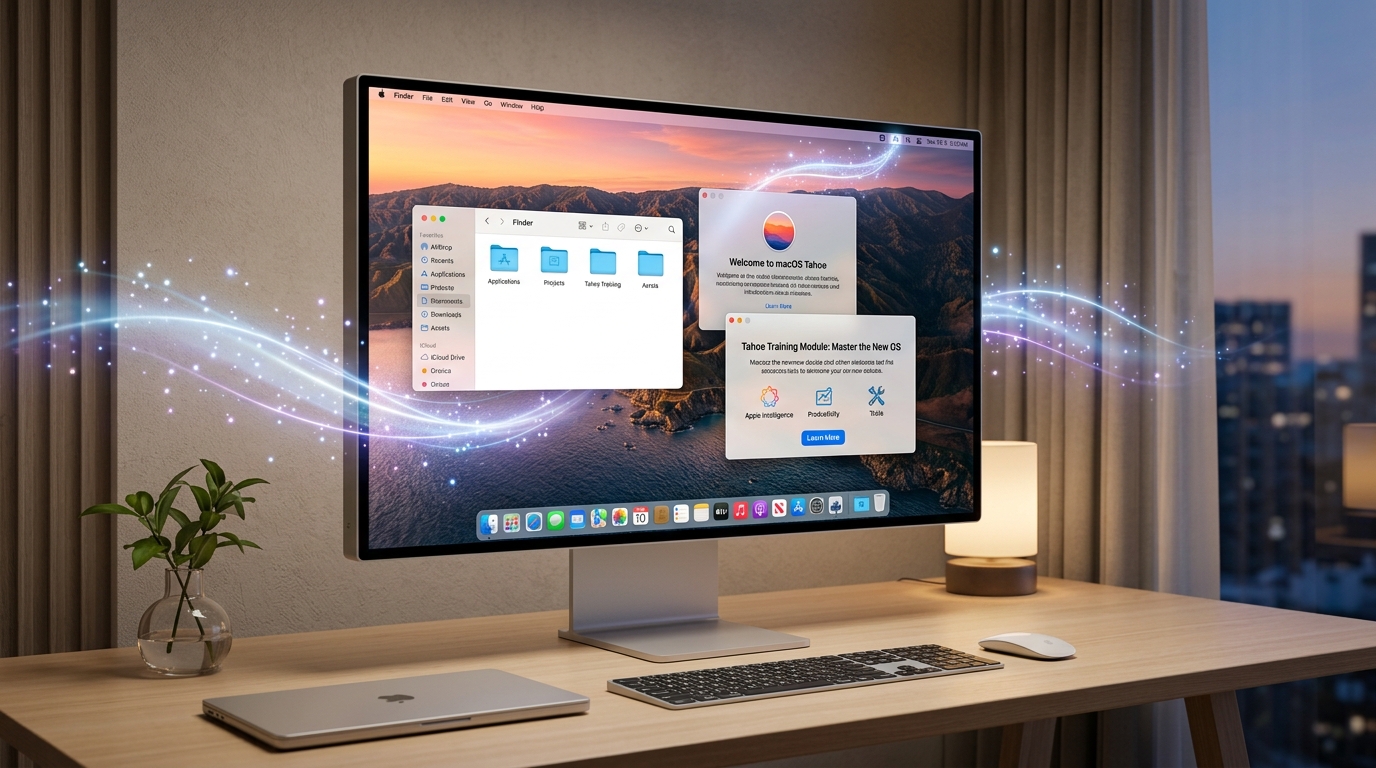
Platform: LinkedIn Learning | Course author: Nick Brazzi | Format: MP4 (H.264, 1920x1080, AAC 44.1 kHz)
Duration: 3 hours 5 minutes | Size: 936.4 MB | Language: English with subtitles
Category: eLearning / Tutorials | Topics: macOS Tahoe, the Apple ecosystem, and Apple Intelligence
If you use a Mac or are switching from Windows to macOS, macOS Tahoe Essential Training is a structured course covering important features of Apple's operating system.
The course covers system setup, windows and apps, Apple Account organization, privacy and security features, built-in tools such as Safari, Mail, Calendar, Photos, and System Settings, as well as Apple Intelligence features.
Course details
- Platform: LinkedIn Learning
- Instructor: Nick Brazzi
- Format: MP4
- Video: H.264, 1920x1080 Full HD
- Audio: AAC, 44.1 kHz, 2 channels (stereo)
- Category: eLearning / Operating systems
- Language: English
- Subtitles: Yes, English subtitles
- Duration: 3 hours 5 minutes
- File size: 936.4 MB
- Main topic: macOS Tahoe
What does the course cover?
macOS is the foundation of every modern Mac. It provides the platform for running apps, managing files, configuring hardware, and using Apple's cloud services.
Instructor Nick Brazzi guides you through the environment so you can work independently and productively in macOS Tahoe.
Topics covered:
- Apple Account: Connect, sync, and manage your account securely.
- macOS interface: Use the Dock, menu bar, Control Center, Mission Control, and window controls.
- Finder: Navigate and organize files, use tags, and search with Spotlight.
- Apps: Install, open, update, and safely remove software.
- Built-in services: Use Mail, Safari, Calendar, and Photos for everyday tasks.
- System Settings: Customize the system's appearance and performance.
- Notifications and Focus modes: Manage alerts and reduce distractions.
- Privacy and security: Manage permissions for the camera, microphone, location, and disks.
- Apple Intelligence: Explore built-in AI features for everyday tasks.
A closer look at built-in Apple apps
A section of the course focuses on apps included with macOS Tahoe:
- Safari: A web browser with privacy reports, tab groups, and profiles for work and personal browsing.
- Mail: Configure multiple email accounts, filter messages, schedule email, and search messages in macOS.
- Calendar: Organize events, share calendars, sync with other services, and use map and location integrations.
- Photos: Browse, organize, and make basic edits to photos, with automatic recognition features.
- System Settings: Configure displays, external monitors, accessibility, and security policies.
Apple Intelligence in practice
macOS Tahoe integrates Apple Intelligence features into the system. Through practical examples, the course demonstrates:
- Writing and adjusting the style of text with writing tools.
- Summarizing long notifications and email threads.
- Searching content with natural language.
- Automating routine tasks across the Apple ecosystem.
Who is this course for?
- New Mac users who want to learn the operating system without guesswork.
- People switching from Windows who want clear comparisons with familiar concepts.
- MacBook Air and MacBook Pro owners.
- iMac, Mac mini, Mac Studio, and Mac Pro users.
- Existing Apple users who want to explore features in macOS Tahoe.
- Anyone looking for a structured guide to the modern Mac platform.
Download the course
Choose one of the links below to download the video package:
- FreeDL: Download the course from FreeDL
- UsersDrive: Download the course from UsersDrive
- ClicknUpload: Download the course from ClicknUpload
Conclusion
macOS Tahoe Essential Training offers a concise overview of key features in Apple's operating system. In just over three hours, you can learn the interface and file organization, then move on to privacy, security, and Apple Intelligence features.
Streaming Platforms for Movies, TV, Anime, and More: The Complete Guide
A comprehensive guide to 31 streaming categories in 2026, including movies, TV shows, anime, Asian dramas, film archives, live TV, sports, IPTV, and Smart TV apps.

Build a Computer from Scratch: From Binary to CPU and Assembly
A practical course that demystifies computer hardware. Build an ALU, memory, a bus, a control unit, and a working processor step by step.

A Browser as a Universal Hardware Service Terminal: Arduino, ESP32, USB, and Bluetooth
Connect compatible hardware to a browser with Web Serial, WebUSB, Web Bluetooth, and WebHID. Learn the limits, permissions, and practical Arduino and ESP32 examples.
Bash Shell Scripting Bootcamp: Linux Automation with 50+ Projects
Learn Bash scripting through more than 50 practical projects. Automate Linux servers, file processing, services, and DevOps tasks.
Windows Server Administrator Bootcamp: From Beginner to Job-Ready
A six-week intensive bootcamp covering Windows Server 2025, Active Directory, network services, security, and hybrid cloud administration.
How to Update SSD/NVMe Firmware in Windows: Intel VMD, RST, RAID, and Storage Guide
A careful guide to SSD/NVMe firmware updates in Windows 10 and 11, including Intel VMD and RST, BitLocker, Safe Mode, RAID risks, OEM drives, and recovery steps.
Share your thoughts, questions, or tips about this article.