Learn Bash scripting through more than 50 practical projects. Automate Linux servers, file processing, services, and DevOps tasks.
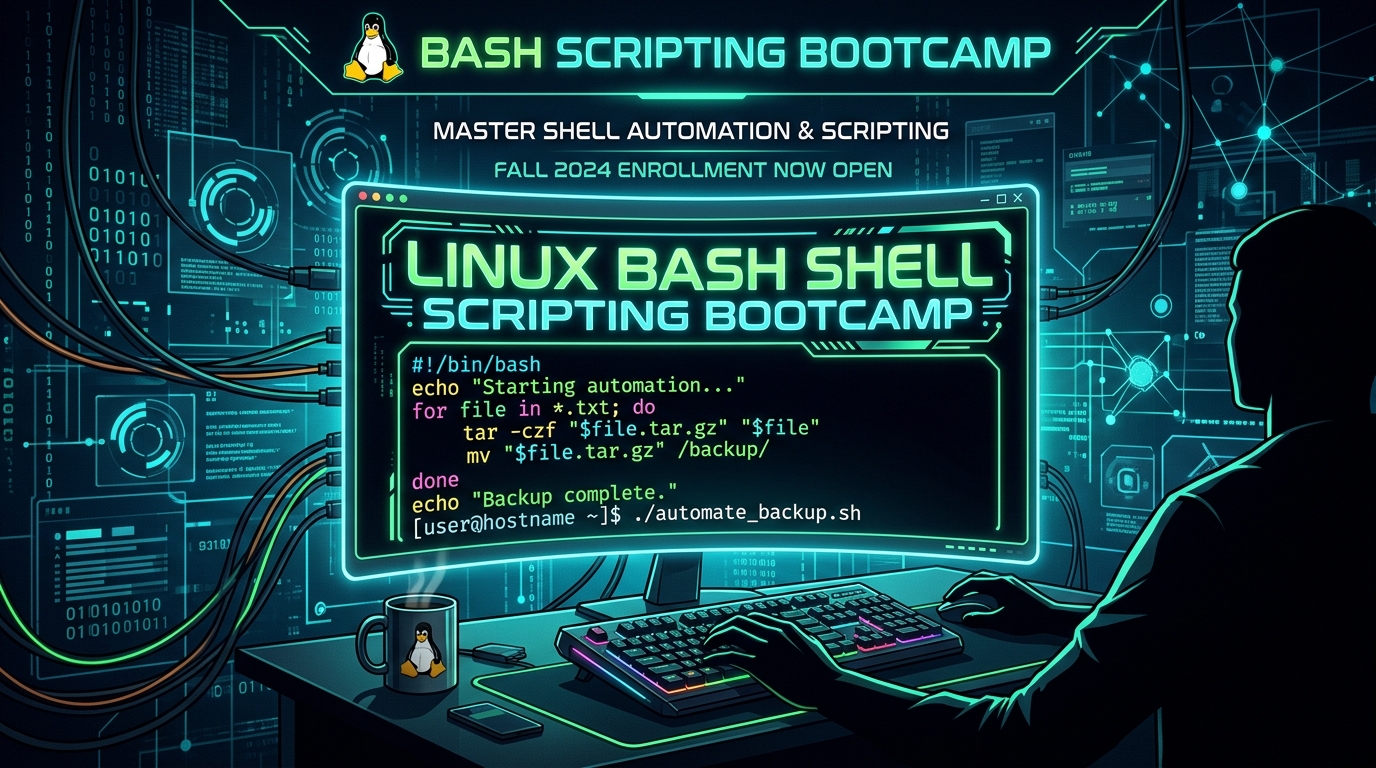
Platform: Udemy | Course title: Bash Shell Scripting Bootcamp: Linux Automation +50 Projects
Format: MP4 (H.264, 1920x1080, AAC 44.1 kHz) | Lectures: 45 lessons | Duration: 8 hours 6 minutes
Size: 5 GB (3 parts) | Language: English | Projects: 50+ practical solutions
Category: eLearning / Tutorials | Topics: Bash, Linux administration, shell automation, and DevOps
Bash Shell Scripting Bootcamp: Linux Automation +50 Projects is a hands-on course for learning Bash and automating Linux systems through more than 50 practical projects.
Instead of focusing only on theory and syntax, the course has you write scripts step by step, test them in a terminal, and apply them to everyday engineering tasks.
Course details
- Platform: Udemy
- Format: MP4
- Video: H.264, 1920x1080 Full HD
- Audio: AAC, 44.1 kHz
- Language: English
- Lectures: 45 lessons
- Duration: 8 hours 6 minutes
- Size: 5 GB (split archives)
- Projects: More than 50 hands-on projects
- Focus: Bash scripting, Linux administration, automation, and DevOps
What will you learn?
The course starts with fundamentals and gradually moves into practical automation patterns:
- Language basics: Variables, strings, numbers, and command-line arguments such as
$1,$@, and$#. - Control flow: Conditional expressions with
if,elif,else, andcase, plus comparisons and logical operators. - Loops and iteration: Use
for,while, anduntilto process lists and files. - Functions: Modularize code, pass arguments, and return values.
- Environment: Work with environment variables, exported variables, and configuration files.
- Exit codes: Handle status codes with
$?, catch signals withtrap, and build robust error handling. - Quoting: Use single quotes, double quotes, and backticks (
`) correctly. - Linux integration: Combine standard Unix tools such as
awk,sed,grep,find,cut, andxargs. - Debugging: Use
set -x,set -e, andset -uto find hidden script errors.
More than 50 practical projects
The course emphasizes applied work. Across more than 50 projects, you will learn how to:
- Automate file processing: Batch rename, convert, sort, and archive files.
- Manage backups: Create automated backups, compress files, and rotate logs.
- Monitor a system: Track CPU, RAM, disk space, and temperature, then send alerts.
- Manage services and processes: Restart failed services automatically and control resources with
systemd. - Work with networks and APIs: Send HTTP requests with
curl, process JSON responses, and check server availability. - Prepare DevOps infrastructure: Automate deployments, prepare Docker containers, and configure cloud instances.
How Bash executes commands
The course goes beyond copying commands and explains how a shell environment works:
- Differences between subshells and interactive and non-interactive shells.
- The order of parameter expansion, command substitution, and whitespace handling.
- Input and output redirection with stdin, stdout, stderr, and pipelines.
- Writing clear, safer scripts that avoid unexpected failures in production.
Requirements and supported environments
Previous programming experience is not required. The course is intended for beginners and for experienced developers who want to organize their command-line knowledge.
You can follow along on:
- Linux distributions: Ubuntu, Debian, Fedora, Arch, Rocky Linux, and others.
- macOS: Use Terminal or iTerm2.
- Windows: Use WSL (Windows Subsystem for Linux), Git Bash, or a Linux virtual machine.
Who is this course for?
- Linux beginners who want to work more confidently in the command line.
- System administrators who want to automate routine server maintenance.
- DevOps and cloud engineers who use Bash in their daily work.
- Developers who want to write scripts for builds, tests, and deployments.
- Computer science students and anyone preparing for technical interviews.
Download the course
The archive is split into three parts, with a total size of 5 GB. Download all parts from a service of your choice:
FreeDL
UsersDrive
ClicknUpload
Conclusion
Bash Shell Scripting Bootcamp: Linux Automation +50 Projects is a practical guide to shell automation. Working on real scripts helps you build skills that can be applied to your own servers, DevOps pipelines, and cloud environments.

Build a Computer from Scratch: From Binary to CPU and Assembly
A practical course that demystifies computer hardware. Build an ALU, memory, a bus, a control unit, and a working processor step by step.

Free Games, Retro Gaming, Emulation, ROMs, and Browser Games: The Complete Guide
A large directory of free games, emulation, retro consoles, ROM tools, indie projects, tabletop platforms, and hundreds of browser games.

macOS Tahoe Essential Training: Complete Course
A beginner-friendly course covering macOS Tahoe, system settings, apps, privacy, security, and Apple Intelligence features.

Best Developer Tools and Resources for 2026: A Complete Guide to AI, Coding, Git, Databases, APIs, Hosting, and Security
A practical directory of developer tools for 2026, from AI coding agents and modern IDEs to databases, hosting, APIs, security, and learning resources.

Windows Server Administrator Bootcamp: From Beginner to Job-Ready
A six-week intensive bootcamp covering Windows Server 2025, Active Directory, network services, security, and hybrid cloud administration.

How to Update SSD/NVMe Firmware in Windows: Intel VMD, RST, RAID, and Storage Guide
A careful guide to SSD/NVMe firmware updates in Windows 10 and 11, including Intel VMD and RST, BitLocker, Safe Mode, RAID risks, OEM drives, and recovery steps.
Share your thoughts, questions, or tips about this article.